Connected is a lousy acceptance test for an integration
A green dashboard cannot explain a missing order. The failure tests, recovery rules and ownership to ask for before accepting a business integration.
Read the articleStopping feature work does not freeze your app’s dependencies. What owners should expect from maintenance, support and a plan for the next outside change.
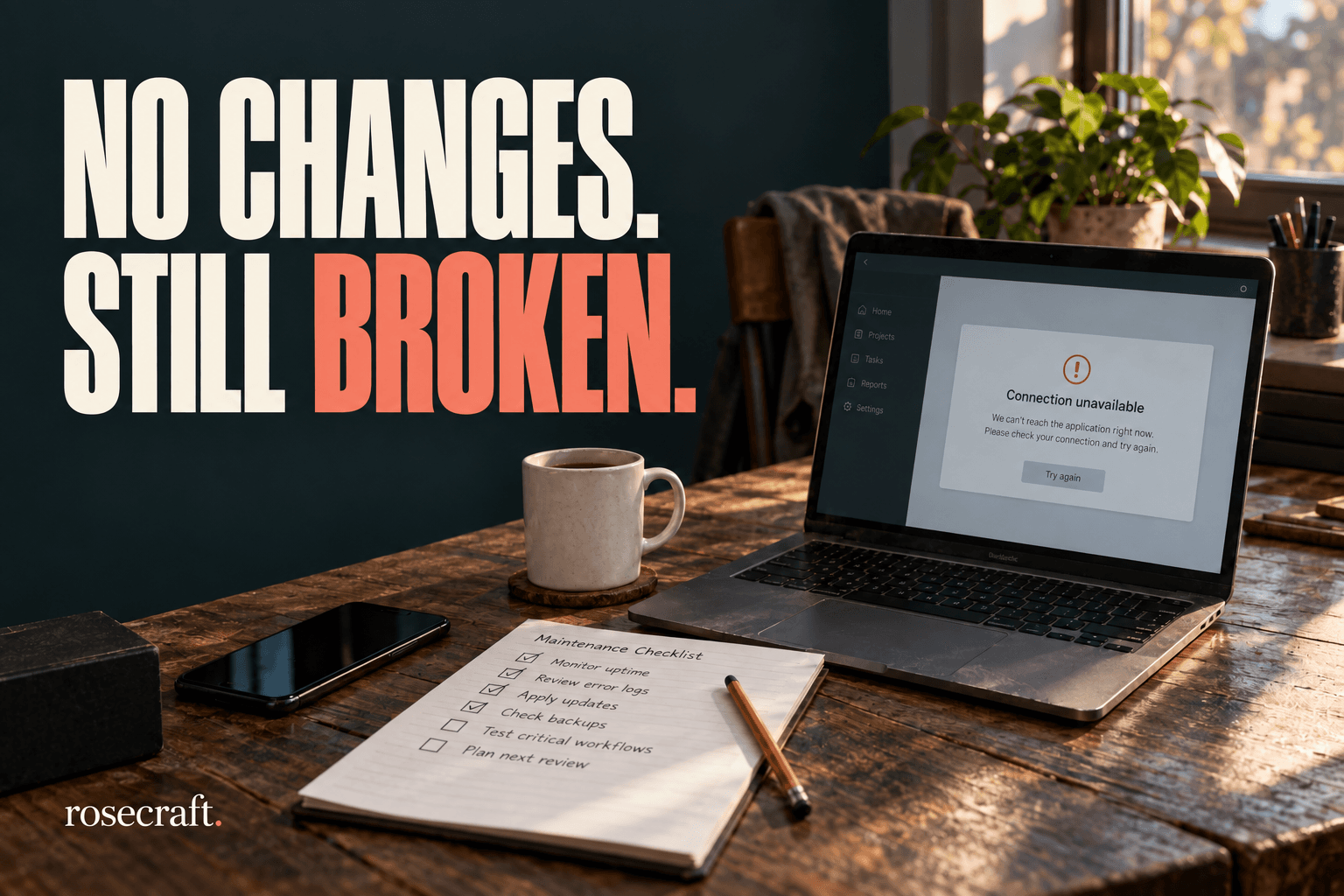
You can stop paying for new features. The services your app depends on will keep changing.
That is the awkward part of owning custom software. The screen can look exactly as it did on launch day while a payment service, shipping connection or server component moves on. When something stops working, “we haven’t touched the code” may be entirely true. It still leaves someone unable to do their job.
I would want this discussed before the final project invoice. A business should know what keeping its application useful involves, who is responsible, and which costs sit outside the original build.
There is a timely example in Shopify’s API versioning schedule. Version 2025-10 is listed as accessible until October 16, 2026, at 15:00 UTC. Once a requested version becomes inaccessible, Shopify serves the oldest accessible stable version instead. Specifying a version does not freeze the other end of the connection forever.
An API is the interface one application uses to talk to another. Changes there can affect work that happens behind a familiar button. The person using the app may never see a version number.
The 2026-10 release notes contain a useful example: changing the shipping address on an unfulfilled order now recalculates tax for the new destination. An affected integration needs to read the revised totals and handle any resulting balance difference.
That does not mean every Shopify store broke on October 1. Which changes matter depends on the interface, version and operations an application actually uses. It means someone needs to check, rather than assume that a successful launch settled the question permanently.
Imagine a small distributor with a custom order-management screen. This is an illustrative example. Staff use it to correct delivery details, prepare shipments and send information to accounts. The owner has postponed new features because the existing process does enough.
A supplier changes the behavior of one connected service. The address update still appears to succeed, but the custom screen continues showing an earlier total. Now the person preparing an invoice has to work out which system to trust. The cost is the investigation, the correction and the interruption to ordinary work.
A useful maintenance check follows that business task all the way through. Update a test order, inspect the resulting amounts, check the downstream record and confirm that the user sees the right outcome. A green home page tells you very little about that chain.
The same principle applies to an appointment system, customer portal or internal reporting tool. Start with the work people rely on. A list of installed packages is useful to the maintainer; a list of critical business tasks helps the owner decide what deserves attention first.
A monthly fee needs a defined job. “Support included” could mean replying to emails during office hours. It could also include reviewing vendor changes, testing upgrades or restoring a failed service. Those are different commitments, and they should be written down.
I would ask for a short record of the outside services the app uses, the versions or support dates that matter, and the person watching each one. Notices should reach an account the business controls. A warning delivered to an abandoned developer inbox is not much of a warning.
Then agree what gets checked and when. For a distributor, that might include order import, address changes, invoicing and shipment updates. Reviews should be scheduled early enough to test a required change before its deadline. The right frequency depends on the services and the consequences of a failure; there is no universal number of maintenance hours that makes every app safe.
Separate routine upkeep, urgent incident response and new features in the agreement. Ask what triggers additional approval, who can authorize the work, and what happens outside support hours. A response-time promise tells you when someone will start responding. It does not promise that every incident will be fixed within that time.
You do not need to install every update the moment it appears. You do need to know how long the current setup remains supported. For another concrete date, PHP’s published support table puts the end of PHP 8.2 security support at December 31, 2026.
A support deadline is not a prediction that an application will stop running at midnight. It changes what you can expect from the people maintaining that component. Plan the upgrade, test the important workflows and check what support your particular hosting arrangement provides.
Updating without a recovery plan can create its own interruption. Before a significant change, the maintainer should know what can be rolled back, whether the database changes allow that, and whether a backup has actually been restored successfully. Agree how staff will keep working if the automated route is unavailable.
A useful maintenance update can be brief: what was reviewed, what changed, which business tasks were checked, what remains at risk and when the next decision is due. Some months the sensible outcome will be to leave a supported system alone. That conclusion is more useful when someone can explain what they checked.
If you already own an app and nobody can identify its next outside deadline, start with an inventory and a review of the critical workflows. You may need a small compatibility update, a clearer support arrangement or a planned upgrade. An unanswered maintenance question is not, by itself, a reason to replace the whole application.
Rosecraft’s technical assessment work can help clarify that starting point. Tell us what the app does and which interruption your business could least afford. That is a more useful beginning than guessing at a maintenance fee.


A green dashboard cannot explain a missing order. The failure tests, recovery rules and ownership to ask for before accepting a business integration.
Read the article
Before paying for another database, service or AI layer, ask what it improves—and who will maintain it. A practical guide to choosing useful complexity.
Read the article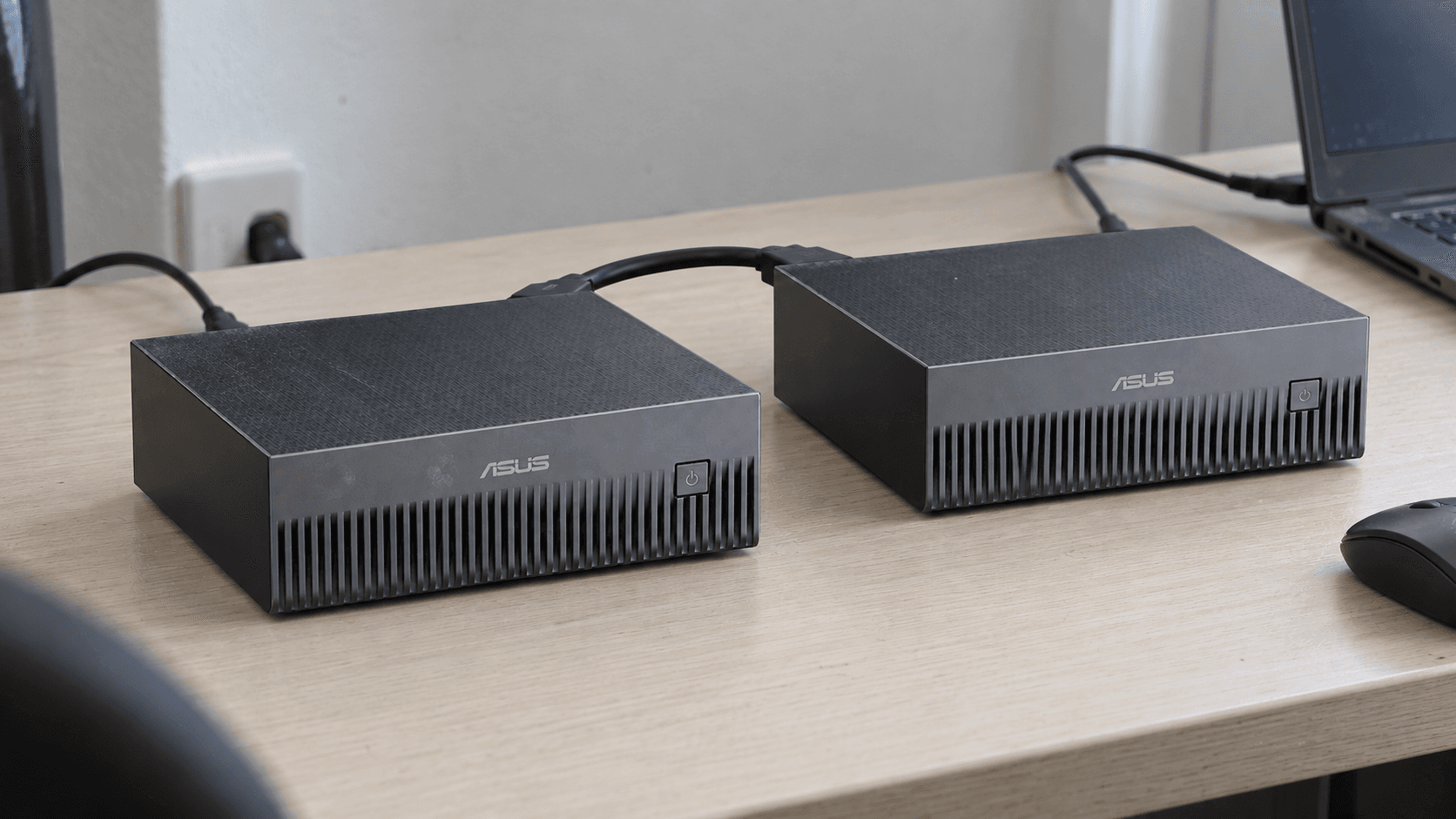
Two GX10s can fit a larger model. Eight GB10 machines offer roughly a terabyte of memory. Here is what the published builds show—and what a buyer still needs to measure.
Read the articleWith your permission, Google Analytics helps us understand which pages people visit. Analytics cookies stay off until you accept. You can change this in Cookie settings.