Your AI prototype is not a product. Stop selling it like one.
AI makes a convincing demo easier to build. Recent research raises a harder question: who owns the testing, maintenance and Monday morning failures?
Read the articleBefore hiring someone to finish an AI-built app, define what works, what needs fixing and what a paid assessment should tell you.
A prospective client recently told me they had built their entire app with Claude in two days. They wanted help tying up a few easy loose ends, then asked for a two-hour unpaid assessment. When I declined, the conversation turned into a lecture about AI replacing programmers.
I wrote about that exchange on LinkedIn. Here, I want to pick up the part that matters if you are the founder hiring someone to finish an app: what, exactly, is left?
I did not establish how complete that client's software was. Their description was a claim about the project, not the result of a technical review. That distinction is the reason to investigate before agreeing on a price.
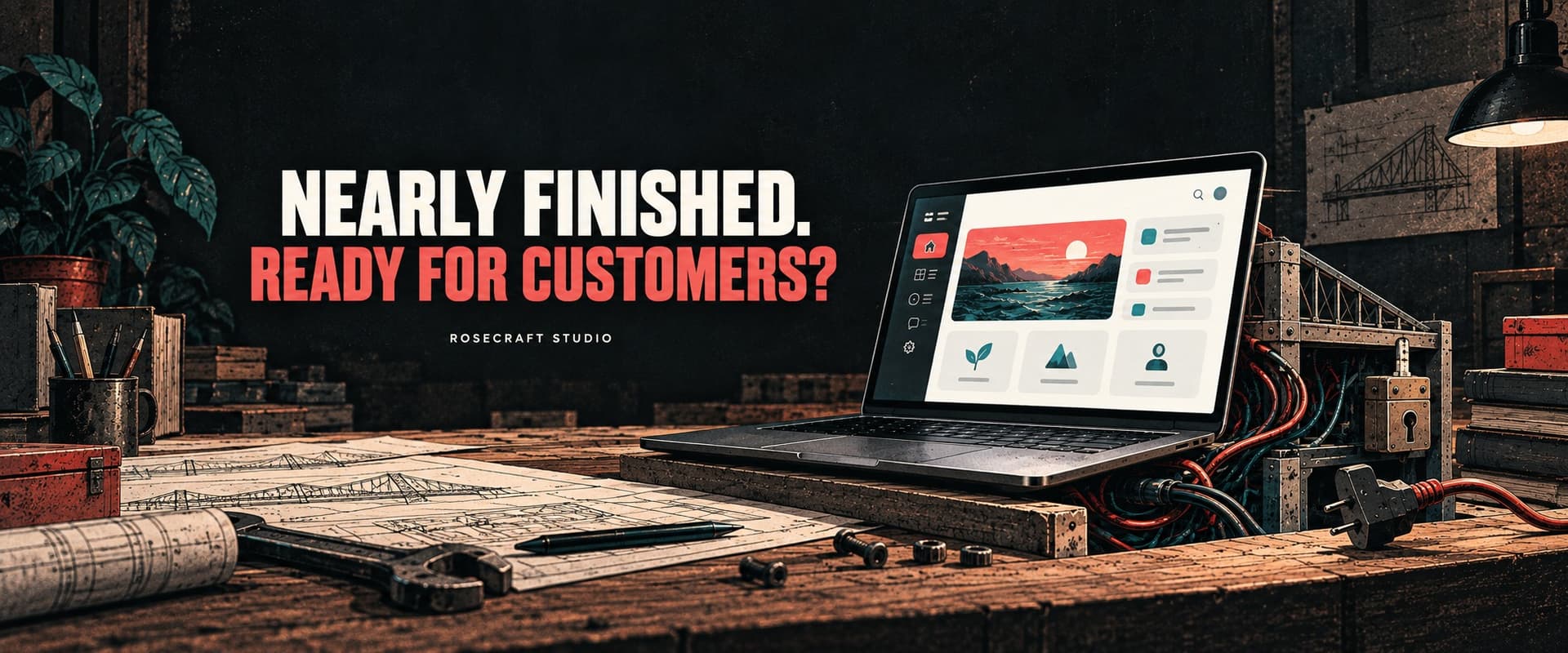
Cover: AI-generated editorial illustration for Rosecraft Studios.
You can make substantial progress with an AI coding tool. A working prototype might clarify the product, expose awkward requirements and give a developer useful code to build on. Nobody needs to pretend that work has no value.
But the number of finished screens tells you little about the effort remaining. Changing a button label and repairing the way customer access is enforced might each occupy one line on a task list. They are very different jobs.
Before asking for a quote, write down the remaining behavior as specifically as you can. “Finish subscriptions” leaves the developer guessing. “A customer can purchase a plan, but their account stays locked until I manually change it” gives them something to reproduce. Add what you expected, what happened, and whether it happens every time.
Some unfinished work is a defect. Some is a feature that has not been built. Some is a decision you have not made yet, such as whether cancelling a subscription should end access immediately or at the end of the paid period. A developer can help you work that out, but it belongs in the scope.
For an illustrative subscription app, I would start with a fresh customer account and follow it from signup through payment to the first useful result. This is an example of how to scope a review, not a finding about the client above.
Use a safe test environment. Show the developer what works without manual intervention, then show the places where you step in. Include the administrative work: if you must edit a database after every purchase, that is part of the current process, even if customers never see it.
Then look at the important exceptions. For example, Stripe's webhook documentation explains that payment-related events can arrive more than once and are not guaranteed to arrive in the order they were generated. The app needs a deliberate way to handle those deliveries. One successful checkout does not tell you how it behaves when a notification is repeated.
Access needs its own evidence. Supabase's production checklist calls for row-level security and appropriate policies. In plain terms, the database needs rules about which records each customer may access. For an app with private customer records, ask for an authorized test using two separate accounts; seeing a login screen is not enough to answer that question.
The relevant checks depend on your product. A calculator with no accounts has a different job to finish than a subscription service storing customer files. Start with the promises your first release actually makes.
A short discovery conversation can establish whether a developer's experience fits your project. Inspecting the code, reproducing failures and tracing dependencies is work. If that work is needed to quote responsibly, agree on a paid assessment with a clear boundary.
Ask what you will receive for the time. A useful assessment should leave you with:
Two hours might be enough to reproduce one failure and propose the next step. It may be nowhere near enough to assess a large application. Agree on the question that time is meant to answer. An honest partial assessment is more useful than a sweeping assurance based on a quick look.
AI can help with this work too. GitHub's September 11 Copilot code-review update describes broader use of shell tools to validate code during review. Better tools are welcome. The review still needs to check the behavior your business expects, including decisions that were never written into the original prompt.
Consider three possible findings in that hypothetical subscription app. A confirmation message is wrong: that may be a small, bounded change. A paid account sometimes remains locked: the payment and access flow needs investigation before a reliable repair estimate. A customer can enter another customer's workspace: that is a launch blocker for a product promising private workspaces.
Putting all three under “polish” hides the decisions you need to make. A useful estimate explains what can be fixed directly, what remains uncertain, and which behavior prevents the intended launch. Ask the developer to show those distinctions.
Give the same scrutiny to a proposal for a full rewrite. Ask what prevents the existing app from being repaired, which parts can be retained, and what evidence supports replacing them. The fact that AI wrote some of the code does not answer those questions.
For each piece of work, describe the result you will check. A customer buys the agreed plan in the test environment, receives the correct access, and a repeat payment notification does not grant it twice. Both you and the developer can review that result. “Make billing production-ready” needs substantially more definition.
You do not need every feature on your wish list to launch. You do need the agreed first release to work, with known limitations made explicit and someone responsible for operating it. A smaller release can make the remaining work easier to understand and fund.
If you have an app at this stage, Rosecraft's technical assessment work can help establish the scope before you commit to further development. Bring the current app, a list of what you can demonstrate, and the problems you can reproduce. That is a useful starting point for deciding what to do next.

AI makes a convincing demo easier to build. Recent research raises a harder question: who owns the testing, maintenance and Monday morning failures?
Read the article
A green dashboard cannot explain a missing order. The failure tests, recovery rules and ownership to ask for before accepting a business integration.
Read the article
PHP hosting defaults and support dates are moving. How to tell a necessary upgrade from a rewrite your business may not need.
Read the articleWith your permission, Google Analytics helps us understand which pages people visit. Analytics cookies stay off until you accept. You can change this in Cookie settings.