Your cancel button is not a retention strategy
U MAD, BRO? Your customer found the cancel button. A screen-by-screen teardown of cancellation friction, misleading retention numbers and the engineering needed to let people leave.
Read the articleBeautiful charts can leave expensive work unfinished. How to tell whether your business needs another dashboard, a better integration or a smaller change.

If your dashboard doesn’t help anyone make a decision, it’s an expensive screensaver.
The charts can be gorgeous. The numbers can refresh every minute. You can have a screen on the office wall that makes the business look like mission control. But if the person responsible still has to export a spreadsheet, ask three people what the numbers mean and build a separate list of things to fix, the work is happening somewhere else.
That should bother whoever is paying for the software. Especially when the proposed improvement is another dashboard.
There are good reasons to build dashboards. A finance team may need a consistent monthly view. An analyst may be exploring a pattern without knowing the answer in advance. A manager may only need confirmation that nothing unusual has happened. Those are legitimate purposes. The test is whether the screen serves its stated purpose, rather than whether every chart has a big action button underneath it.
For an operational dashboard, though, I want a more specific brief than “give us visibility.” Whose work should become easier? What are they trying to find out? What will they do differently when the answer changes?
Ask the person who does that work to show you a recent example. Follow it from the first warning through to resolution. The spreadsheet they keep open beside the official system may tell you more about the requirements than the screen you were asked to copy.
Consider a hypothetical distribution business. Its dashboard shows a growing share of overdue orders. The chart communicates that there is a problem. The operations manager now needs to work out which customers are affected, what caused the delay and which orders can still be recovered.
If that requires exporting the report and matching rows against emails, the dashboard has stopped halfway through the job. Someone has to pay for the remaining work every time the problem comes up.
A more useful view might let the manager open the affected orders, see the promised date and current blocker, find the responsible person and follow through to the existing order system. The next step might be a supplier call, an approved substitution or a customer update. Each needs different information and different authority.
That does not mean giving everyone a button that changes delivery promises. Permissions, review and a record of changes still matter. Sometimes a reliable link into the right part of the existing system is the entire improvement. You do not need to rebuild order management to make a report useful.
Was the order supposed to ship yesterday or arrive yesterday? Does a cancelled order count? What happens when someone changes the promised date? If two departments answer those questions differently, one beautifully presented total will not settle the disagreement.
Put the definition where people can find it. Make the source and last successful update clear. Give someone responsibility for investigating discrepancies. A screen that appears current while displaying yesterday’s failed import can be more misleading than an obviously old spreadsheet.
This is the less photogenic part of the project: agreeing on definitions, connecting records and handling the cases that do not fit neatly. It is also where you find out whether the dashboard can be trusted enough to use.
On October 8, 2026, Microsoft announced a public preview that brings Dynamics 365 customer context into Teams, including meeting briefs and case notifications. That is a product announcement, not proof of results for your business. What interests me is the direction: putting relevant information where people already work.
That principle is useful even without an agent, an AI subscription or a new platform. If the delivery team works in an existing application, the right change might be a better exception view there. If accounts need a dependable month-end report, a scheduled report with agreed definitions may be enough.
Microsoft’s own BI solution planning guidance also emphasizes involving users and having them demonstrate their current work. That is a sensible starting point for a custom application too. The people requesting the dashboard and the people who have to use it may be describing different problems.
An AI summary could help a manager compare periods, investigate an exception or draft an update for review. I am interested in those uses. But adding a conversational interface does not resolve an ambiguous metric or supply a missing owner for the next step.
Before paying for a summary of overdue orders, make sure you can identify the orders, explain how they entered the report and check the underlying records. Otherwise you have made the output easier to read without establishing whether it deserves to be believed.
The same discipline applies when software proposes an action. Establish what it may do, what needs a person’s approval and how you will check the result. “The dashboard recommended it” is a weak explanation for changing a customer’s order.
Choose one recurring problem and a person responsible for handling it. Build the smallest usable route from noticing it to taking the next appropriate step. Try it with realistic records, including missing information, duplicates and cases that need another person’s input.
Measure the work that motivated the project. How long does it take to find the affected records? How much reconciliation is still manual? Where does the handoff stop? Can you tell whether an issue was resolved? Dashboard visits alone will not answer those questions.
Then decide what deserves a wider rollout. You may need a new application. You may need an integration between two systems you already own. You may discover that a smaller change will do. Those are all acceptable findings if you learn them before committing the whole budget.
This is the kind of application and integration work we do at Rosecraft: figuring out what the people using a system need, then building the parts that help them get there.
If you are ready to hear what needs changing, even when it changes the brief, send us a message. Bring a screenshot with confidential information removed, the decision that screen is supposed to support and what your team actually does after looking at it. We can discuss a scoped review and the engineering work needed to make it useful. You have already paid to see the problem. Let’s work out how to help your team deal with it.

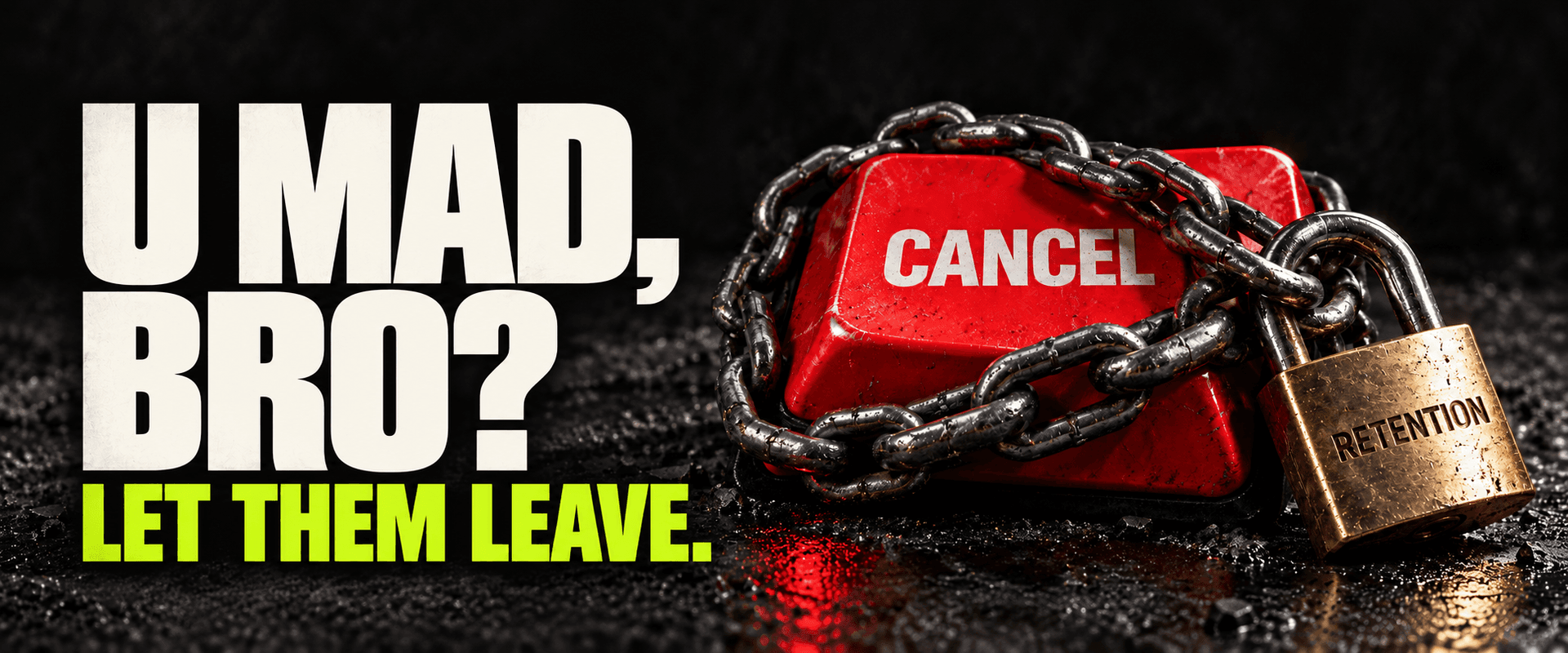
U MAD, BRO? Your customer found the cancel button. A screen-by-screen teardown of cancellation friction, misleading retention numbers and the engineering needed to let people leave.
Read the article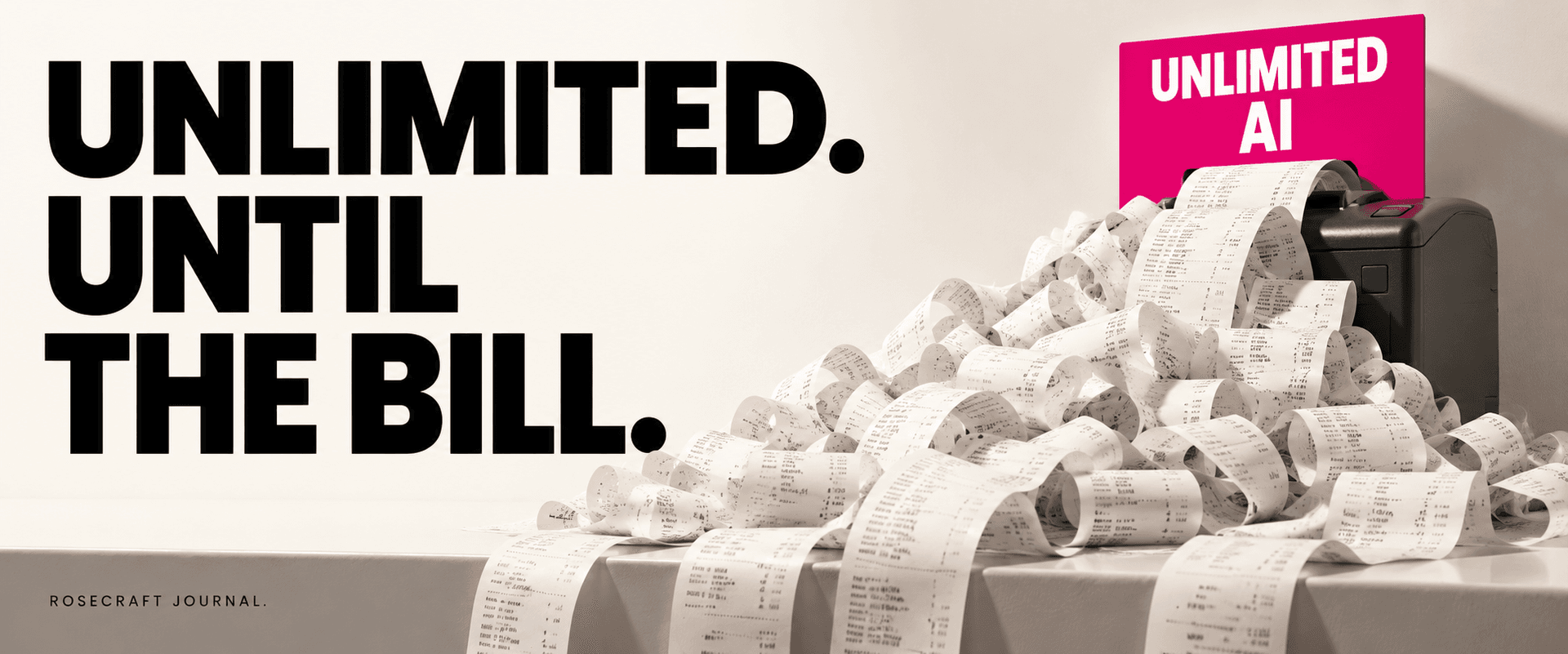
One subscription can accidentally fund dozens of workloads. Before promising unlimited AI, connect pricing, account ownership and usage rules in the product.
Read the article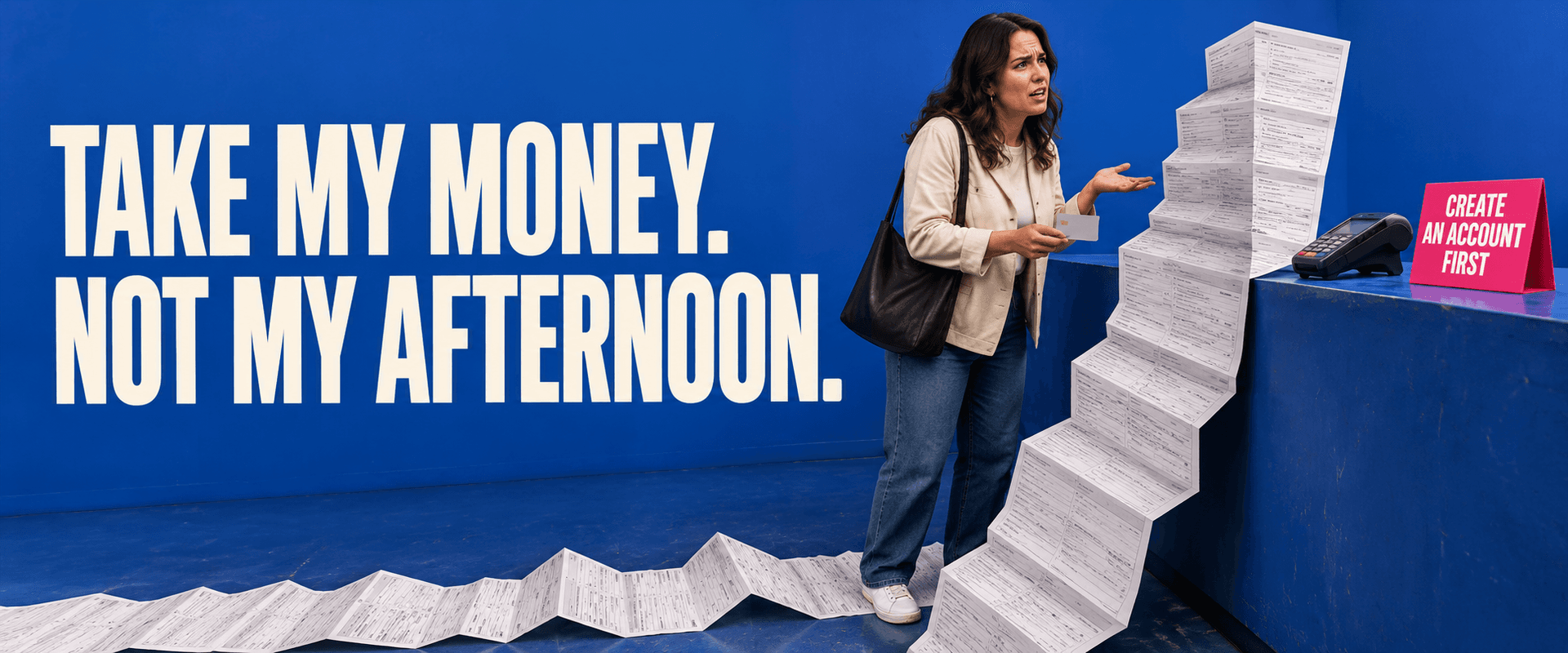
Before paying for more traffic, check what you make willing buyers do. When accounts help, when guest checkout makes sense, and how to find the friction.
Read the articleWith your permission, Google Analytics helps us understand which pages people visit. Analytics cookies stay off until you accept. You can change this in Cookie settings.