Your cancel button is not a retention strategy
U MAD, BRO? Your customer found the cancel button. A screen-by-screen teardown of cancellation friction, misleading retention numbers and the engineering needed to let people leave.
Read the articleBefore paying for more traffic, check what you make willing buyers do. When accounts help, when guest checkout makes sense, and how to find the friction.
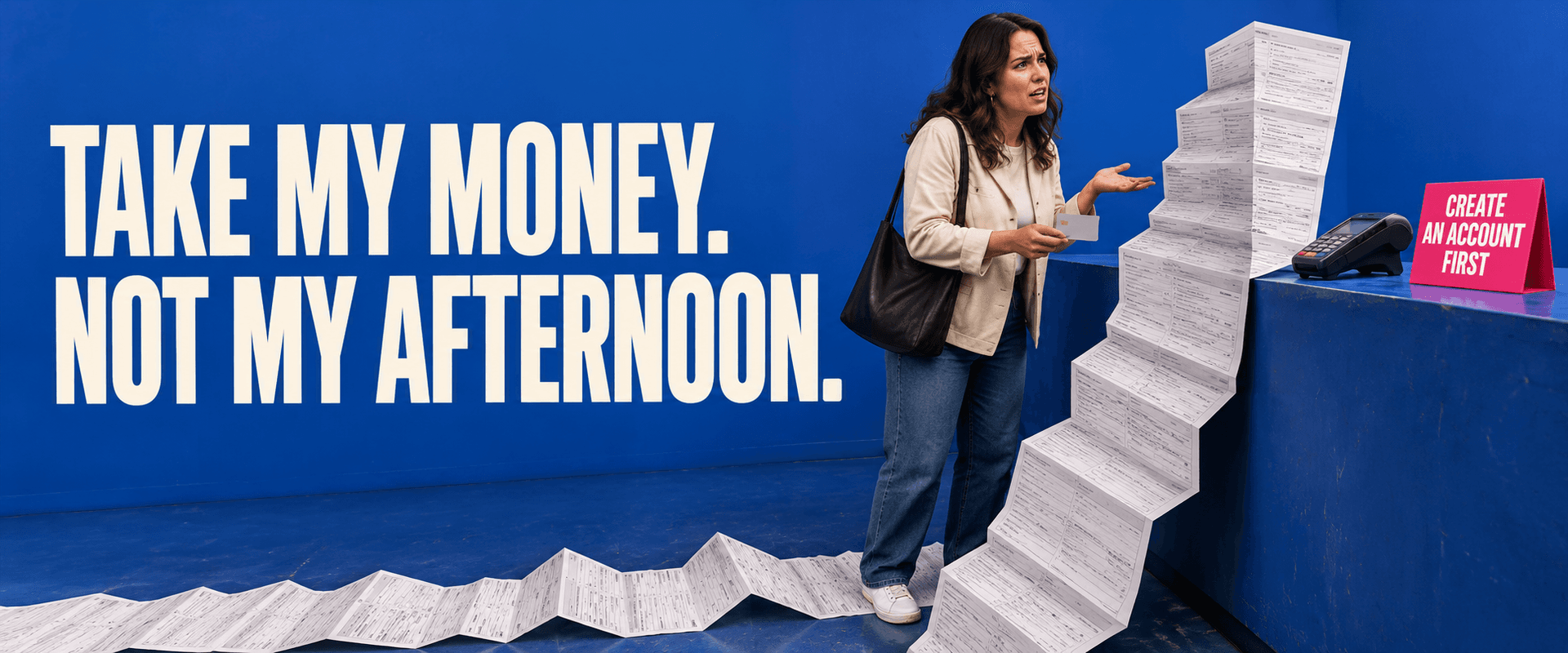
Your customer came to give you money. You handed them homework.
Create an account. Verify your email. Choose a password. Tell us your job title. Now find the product you were trying to buy before we sent you to your inbox.
Then somebody looks at the numbers and decides the business needs more traffic. Maybe it does. But before paying to bring another thousand people through the front door, it would be worth checking what you make them do once they arrive.
If a person has already decided to buy, every extra demand deserves an explanation. “Our database needs it” is a reason for an engineering conversation. It is a poor reason to make the customer do more work.
Chrome’s October 5 update describes changes to its experimental email-verification API, including Android support starting with Chrome 154. It remains an origin trial, with requirements and compatibility changes developers need to check. That is useful progress for teams evaluating verification flows. It does not establish that your checkout needs an account. Chrome’s announcement.
You can spend a lot of money making an unnecessary step beautifully efficient. The user still has to do it.
Before choosing a login provider, ask what someone needs an account for at this particular point. Are they accessing private records? Joining an organisation with permissions? Starting a subscription that requires ongoing access? Those are concrete requirements. Wanting a bigger list of registered users is a different business objective, and it can conflict with completing the sale.
Consider a small business selling paid workshops. This is an illustrative example, not a client case study. A visitor chooses a date and ticket, then encounters mandatory registration. After verifying their email on a phone, they land on an empty dashboard. Their selected workshop is gone.
The team could improve the verification email, redesign the dashboard and add a tutorial. Each change might make that sequence easier. They could also ask whether the sequence belongs in the purchase at all.
For a workshop that does not require a member account, the purchase could ask for the attendee details and payment information it actually needs, issue a confirmation, and offer account creation afterwards. If the workshop includes a private learning portal, the team needs to decide how and when access is established. That decision should follow the service being sold.
Guest checkout does not mean anonymous payment or collecting nothing. Fulfilment, receipts, fraud checks and customer support still need appropriate information. It means the customer may not need to create and manage a persistent account just to complete this transaction.
In its 2023 checkout research, Baymard found that people could miss an available guest option when it was visually overshadowed by sign-in and account creation. Some then believed registration was mandatory. Having guest checkout somewhere on the page is not enough if customers cannot readily find it. Baymard’s research.
Open the purchase flow on a phone where you are signed out. Use it from the link a real customer receives, rather than the convenient starting point your team uses during development. Follow it through payment, confirmation and access to whatever was purchased.
For each field, ask who uses the answer and what fails without it. A delivery address for a physical order is easy to justify. A company size field before buying a ticket needs a better explanation. If the answer helps sales qualify a lead, admit that trade-off instead of calling it technically required.
Look at the interruptions too. Does switching to email lose the basket? Does a validation error erase information already entered? Can someone correct a mistake without starting over? Does “already registered” turn a straightforward purchase into a password-recovery exercise?
There may be a legitimate reason to verify identity before continuing. Make that reason understandable, preserve progress and give the person a reliable way back. Removing friction requires more thought than deleting form fields.
Do not remove authentication from private records, bypass organisation permissions or weaken fraud controls because somebody wants fewer clicks. A business needs both a usable purchase flow and appropriate protection. If the current architecture makes those goals feel incompatible, that is where engineering work is needed.
A registered user is not automatically a customer. A completed payment is not the whole experience either if the buyer cannot find the receipt, access the product or change a booking.
Choose a specific journey and measure where people leave it: purchase started, required details completed, payment attempted, payment confirmed, delivery or access completed. Keep sensitive form values and payment details out of analytics. The events should describe progress, not copy what customers typed.
Then compare a carefully scoped change against that baseline. Where practical, test variants with comparable visitors. Watch completed purchases, errors, support requests and any fraud or account-access consequences. Separate mobile from desktop if the experience differs. A few extra orders on a busy day will not prove your redesign caused an improvement.
Sometimes registration is not the problem. An unexpected total, an unavailable payment method or an unclear offer may be the reason people stop. The point of looking at the journey is to find the obstruction before commissioning the solution.
When you commission this work, ask for a clear explanation of what will change, what must remain protected and how the result will be checked. Include the awkward cases: an existing customer, a failed payment, a verification link opened on another device, a refund request.
Rosecraft’s application and systems work can cover the interface and the backend rules behind it. A shorter form is useful only if the order still reaches the right place and the customer can use what they bought.
If you are ready to hear what needs changing, even when it is a feature you insisted on, send us a message. Include the checkout or signup URL, what customers are trying to accomplish and where you think they get stuck. We can scope a review and implementation around that journey.
Your customer has already done the difficult part: deciding to buy. Make sure your software lets them.

U MAD, BRO? Your customer found the cancel button. A screen-by-screen teardown of cancellation friction, misleading retention numbers and the engineering needed to let people leave.
Read the article
One subscription can accidentally fund dozens of workloads. Before promising unlimited AI, connect pricing, account ownership and usage rules in the product.
Read the article
Beautiful charts can leave expensive work unfinished. How to tell whether your business needs another dashboard, a better integration or a smaller change.
Read the articleWith your permission, Google Analytics helps us understand which pages people visit. Analytics cookies stay off until you accept. You can change this in Cookie settings.